
Benefits
Why Drills?
Key advantages of Drills as part of Navatom's integrated platform.
Complete Drill Management from Scenario to After-Action Review
Plan drill scenarios, conduct pre-drill briefings, execute with structured timelines, assess individual crew performance, and document lessons learned — all in a single platform. No more scattered spreadsheets, email chains, and paper checklists.
Individual Crew Performance Assessment for Targeted Training
Per-attendee numeric ratings and textual remarks build longitudinal performance profiles for every crew member. Identify who needs additional training, track improvement over time, and demonstrate competency assessment during ISM audits.
ISM/SOLAS-Compliant Drill Records with Full Audit Trail
Sixty-two event types create the most comprehensive audit trail of any safety module. Immutable event logs, structured checklists, and documented initial meetings provide the evidence trail that ISM Code and SOLAS auditors expect.
Pre-Drill Briefings Ensure Crew Preparedness
Formal initial meeting records with company and ship attendees, time tracking, and structured notes ensure that every crew member is properly briefed before the drill begins. Documented briefings demonstrate due diligence and improve drill effectiveness.
Fleet-Wide Drill Intelligence and Performance Trends
Dashboard widgets and analytics aggregate drill completion rates, performance ratings, and participation trends across your entire fleet. Spot vessels with declining performance, identify drill types that consistently score poorly, and allocate safety resources where they will have the greatest impact.
Scales from Single Vessel to Global Fleet
Server-side pagination, secure company data isolation, and office-ship synchronization mean the system performs identically whether you manage one vessel or five hundred. Grow your fleet without outgrowing your drill management platform.
Navatom Drills is the comprehensive emergency preparedness platform for maritime safety management — covering scenario planning, structured execution, attendee performance assessment, and regulatory compliance in a single, unified system. As the most feature-rich of Navatom's four safety modules, Drills uniquely combines scenario documents, pre-drill initial meetings, timeline planning events, and individual crew performance ratings to deliver a complete drill management lifecycle that goes far beyond simple checklist completion.
Built around a three-status drill lifecycle (In Progress, Completed, Reviewed) and a six-stage versioned definition system (Draft, Waiting for Approval, Completed/Rejected, Released, Revised), the module provides controlled, auditable drill management from template creation through after-action review. Five checklist question types capture structured evidence.
A dedicated scenario document lets drill coordinators write detailed briefings. Pre-drill initial meetings record company and ship attendees with time tracking and notes.
Timeline planning events structure the drill execution with date, start, end, and title fields.
What truly distinguishes Drills is its individual crew performance assessment engine. Every attendee receives a numeric rating and textual remark, with automatic average computation across the drill.
Absentee tracking ensures accountability. Dual-source office and ship reviews provide separate oversight channels.
With 28 operation event types and 34 meta event types — the most comprehensive audit trail of any safety module — plus yearly planning views, calendar integration, and fleet-wide analytics, Drills transforms emergency preparedness from a compliance checkbox into a continuous improvement program.
Capabilities
Key Features
How Drills helps ship managers work faster and stay compliant.

Drill Scenario Planning
Every effective emergency drill starts with a well-crafted scenario. Navatom Drills provides a dedicated rich text scenario document for each drill — a separate, structured space where drill coordinators write detailed situational briefings that describe the emergency context, conditions, objectives, and expected crew responses.
The scenario document is not a comment field — it is a full rich text editor that supports formatted text, structured sections, and detailed narrative descriptions. Drill coordinators can describe simulated fire locations, weather conditions, equipment failures, and casualty scenarios with the detail needed to make drills realistic and educational.
Structured Timeline & Planning Events
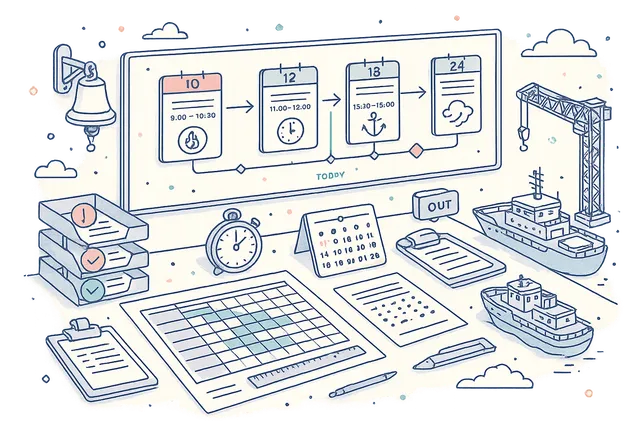
Plan drill execution with precision using structured timeline entries. Each PlanningEvent captures a date, start time, end time, and title — creating a minute-by-minute execution plan that drill coordinators and participants can follow during the exercise.
Add, edit, and delete planning events to build a complete drill timeline. From initial muster to final debrief, every phase of the drill is scheduled and visible.
The timeline serves as both a planning tool before the drill and an execution record afterward — documenting exactly how the drill was structured.
- Date, start, end, title per event
- Minute-by-minute execution plans
- Add, edit, delete timeline entries
- Pre-drill planning & post-drill record
Pre-Drill Initial Meeting
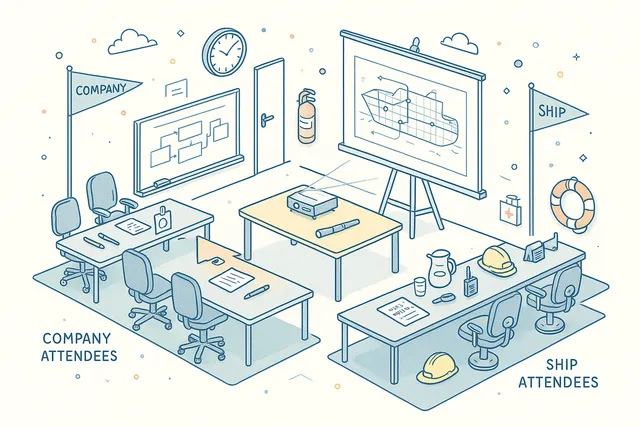
Conduct formal pre-drill briefings with a dedicated initial meeting structure. The meeting captures time initiated, time completed, meeting notes, company attendees, and ship attendees — creating a documented record that crew were properly briefed before the drill began.
Separate attendee lists for company and ship personnel ensure clear accountability. Time tracking records the duration of the briefing.
Notes capture agenda items, safety reminders, and scenario explanations. The initial meeting record forms part of the complete drill package required for ISM Code compliance.
- Time initiated & time completed
- Company & ship attendee lists
- Structured meeting notes
- ISM-compliant briefing evidence
Versioned Definition & Template System
Build reusable drill definitions with a full six-stage lifecycle. Definitions move through Draft, Waiting for Approval, Completed/Rejected, Released, and Revised stages — ensuring that only approved, controlled drill templates are used for live exercises. Meta statuses (Draft, Released, Deprecated) provide an additional governance layer.
Import templates from your library to bootstrap new definitions. Clone and revise existing definitions without losing the original.
The versioning system maintains a complete history of every template change, so you always know which version was used for any given drill and can demonstrate template governance during external audits.
- Six-stage definition lifecycle
- Draft to Released approval workflow
- Template import & cloning
- Meta statuses: Draft, Released, Deprecated
- Complete version history tracking

Structured Checklist Engine
Build comprehensive drill checklists with five question types — Checkbox, Staged, Inquiry, Single Choice, and Multiple Choice. Each checklist item captures the specific criteria your assessors need to evaluate, with structured response formats that drive consistent, comparable results across drills.
Staged items support progressive assessment (e.g., Not Started / In Progress / Completed). Inquiry items capture free-text observations.
Choice items enforce selection from predefined options. Hierarchical categories organize checklist items into logical sections matching your drill assessment framework.
Mix and match types within a single checklist to match any safety standard.
- Checkbox, Staged, Inquiry types
- Single & Multiple Choice questions
- Hierarchical category organization
- Structured evidence capture
- Reusable checklist templates
Three-Status Drill Lifecycle
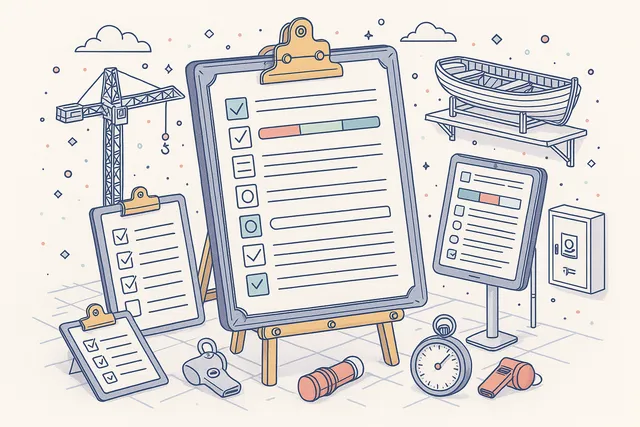
Every drill follows a controlled lifecycle from execution through review. The In Progress, Completed, and Reviewed status model provides clear visibility into where each drill stands — with status transitions enforcing data completeness and review requirements before a drill can be closed.
In Progress drills are actively being executed or documented. Completed drills have finished execution and are ready for management review.
Reviewed drills have received formal assessment and sign-off. The lifecycle ensures no drill is prematurely closed and every exercise receives proper after-action evaluation.
- In Progress active execution
- Completed with data locking
- Reviewed with formal sign-off
- Status-enforced transition rules

Individual Attendee Performance Ratings
Assess every crew member's performance individually. Each drill attendee receives a structured review consisting of a numeric rating and a textual remark — capturing both quantitative performance data and qualitative observations about the crew member's response, knowledge, and execution.
The system automatically computes an average performance rating across all attendees, giving drill coordinators an instant summary metric for the overall drill quality. Individual ratings build a longitudinal performance profile for each crew member, identifying who needs additional training and who excels in emergency response scenarios.
- Numeric rating per crew member
- Textual remark per attendee
- Automatic average computation
- Longitudinal performance profiles
- Data-driven training decisions

Full Attendee & Absentee Tracking
Manage drill participation with precision. Add, remove, and set the full attendee roster for each drill, tracking exactly which crew members participated.
Attendees are selected from the vessel's crew list across 29 on-board ranks spanning Deck and Engine departments.
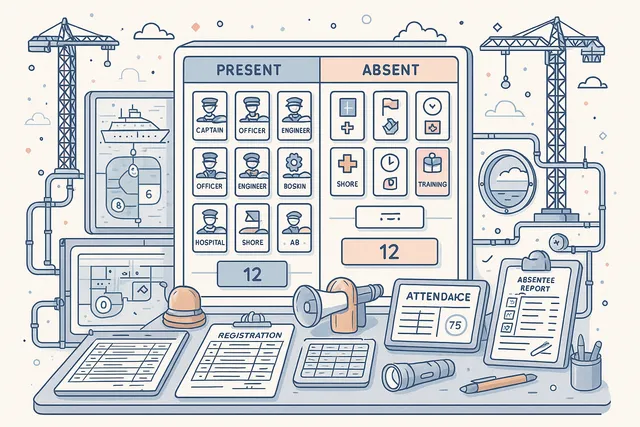
Equally important is absentee tracking — the system explicitly records which crew members were absent from the drill, with reasons where applicable. This dual roster (attendees and absentees) provides complete accountability and ensures that no crew member falls through the cracks in your emergency preparedness program.
- 29 on-board ranks supported
- Deck & Engine department coverage
- Explicit absentee recording
- Complete participation accountability
- Roster add, remove, set operations
Office & Ship Reviews
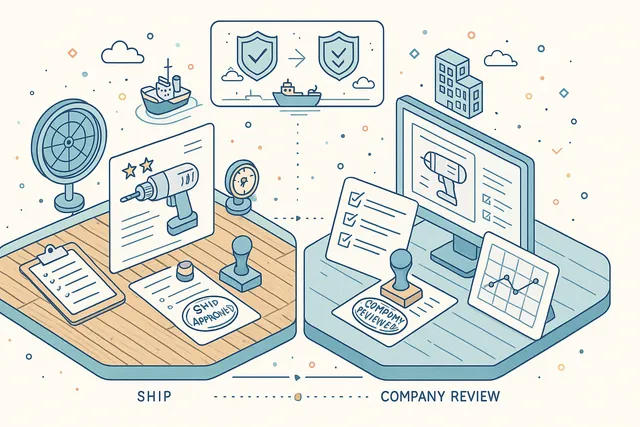
Get oversight from both shore and vessel management with a dual-source review system. Company reviews and ship reviews are tracked separately, with independent review counts for each source — ensuring that both office DPAs and vessel masters provide their assessment of drill quality.
Add, edit, and remove reviews from either source independently. The separation between company and ship reviews reflects the real-world oversight structure in maritime operations, where shore-based management and vessel leadership evaluate drills from different perspectives with different priorities.
- Separate company review tracking
- Independent ship review counts
- Add, edit, remove reviews
- Dual-source oversight model
- Shore & vessel perspectives
Drill Reopen Capability
Completed drills can be reopened for additional assessment or documentation when circumstances require it. Unlike a rigid one-way workflow, the reopen capability recognizes that drill evaluation is sometimes iterative — new information, additional crew feedback, or management requests may necessitate revisiting a completed drill.
Reopening a drill returns it to active status while preserving all existing data — ratings, reviews, checklists, and reports remain intact. The reopen event is recorded in the audit trail, providing full transparency about when and why the drill was revisited.
- Reopen completed drills
- Preserve all existing data
- Audit trail records reopen event
- Iterative assessment support

Ship-Based Scheduling & Assignment
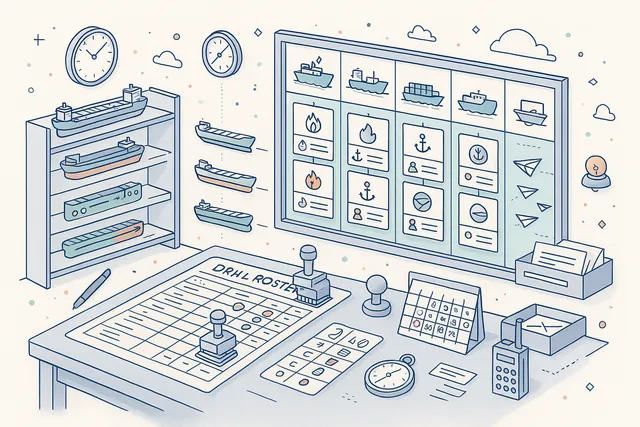
Assign drill definitions to specific vessels and schedule execution across your fleet. Definitions are assigned to ships, creating vessel-specific drill obligations that crew can execute according to their operational schedule.
The assignment system supports all 29 on-board ranks across Deck and Engine departments.
Ship-based scheduling ensures that every vessel in your fleet maintains its required drill program. Drill coordinators can see which definitions are assigned to which vessels, track completion status per ship, and identify vessels that are falling behind their drill schedule.
- Definition-to-ship assignment
- 29 on-board ranks across departments
- Per-vessel drill obligations
- Fleet-wide completion tracking
Yearly Drill Planning
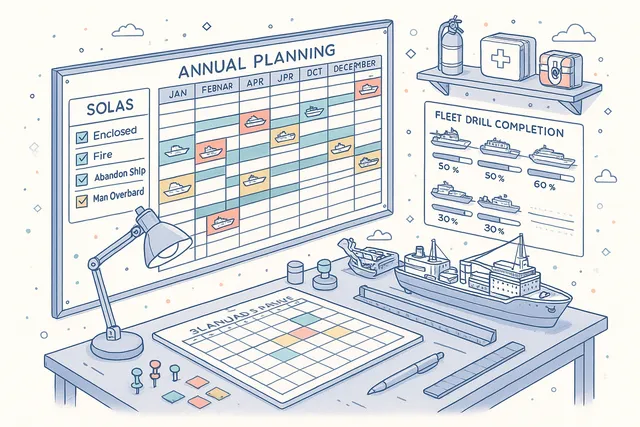
Plan your entire annual drill program in a dedicated yearly planning view. A visual scheduling grid lets you map drills across vessels, months, and drill types — giving safety managers and DPAs a complete overview of the emergency preparedness calendar for the year ahead.
Identify gaps in drill coverage, ensure that every required drill type is scheduled within the required timeframes, and balance drill frequency across your fleet. The yearly plan integrates with the drill calendar, so scheduled exercises automatically appear in crew and management planning views.
- Visual annual scheduling grid
- Per-vessel drill coverage mapping
- Gap identification across fleet
- Calendar integration for planned drills
Calendar Integration
Schedule drills directly into the Navatom calendar system. Each drill creates a calendar event with date, time, and assigned participants.
Support for both single events and recurring schedules handles everything from one-off emergency exercises to monthly fire drills and quarterly abandon ship drills.
Recurring drill schedules automatically generate future drill events based on your configured frequency. Calendar visibility ensures safety officers, vessel masters, and shore management all see upcoming drills in their planning views — reducing scheduling conflicts and improving participation rates.
- Automatic calendar event creation
- Single & recurring scheduling
- Monthly/quarterly drill programs
- Fleet-wide calendar visibility
- Participant scheduling support

Rich Text Reports & File Attachments
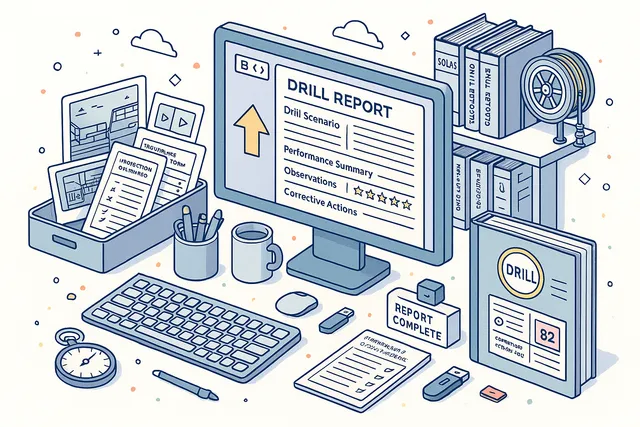
Document drill outcomes with detailed post-drill reports using the built-in rich text editor. Capture observations, lessons learned, improvement recommendations, and corrective actions in a structured narrative format that goes beyond simple checkbox completion.
Attach evidence files — photographs, videos, documents, and forms — directly to the drill record. File management supports adding, removing, and editing attachments with full event tracking.
The combined report and evidence package creates a complete drill record ready for regulatory review or management presentation.
- Detailed post-drill report editor
- Photo, video & document uploads
- Add, remove, edit file attachments
- Lessons learned documentation
- Complete evidence package
Complete Audit Trail
Every action within a drill is recorded in the most comprehensive event log of any Navatom safety module. Twenty-eight operation event types track drill execution — from creation and status changes through attendee management, scenario edits, planning events, initial meeting records, performance ratings, file operations, and report updates.
Thirty-four meta event types track definition management — covering creation, release, deprecation, definition workflow transitions, checklist operations (full CRUD plus reorder), comment management, and ship assignments. Combined, the 62 event types provide a second-by-second narrative of every drill and every template change, fully auditable for external inspection.
- 28 operation event types
- 34 meta event types
- 62 total tracked event types
- Full user attribution per event
- Most comprehensive safety module log

Dashboard & Analytics
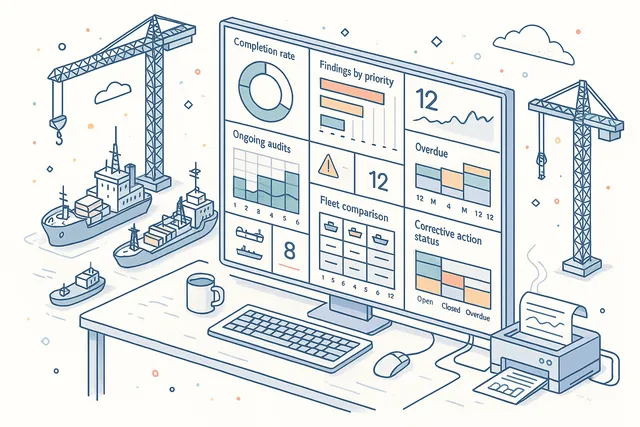
Monitor your drill program's health with dedicated dashboard widgets and analytics. Track drill completion rates, average performance ratings, upcoming scheduled drills, overdue exercises, and participation trends across your entire fleet.
Widgets provide at-a-glance KPIs for safety officers and DPAs: How many drills are scheduled this month? What is the fleet-wide average performance rating?
Which vessels have overdue drills? Which crew members have the lowest participation rates?
Drill down from any widget to the underlying drill data for detailed analysis.
- Drill completion rate tracking
- Average performance rating widgets
- Upcoming & overdue drill alerts
- Fleet-wide participation trends
- Drill-down to underlying data
FAQ
Frequently Asked Questions
Common questions about Drills answered.
How does Navatom Drills differ from a simple checklist tool?+
Navatom Drills is a complete drill lifecycle platform, not just a checklist. Each drill includes a scenario document for situational briefing, a structured timeline with planning events, a pre-drill initial meeting with attendee tracking, a five-type checklist engine, individual crew performance ratings with automatic averages, rich text reports, file attachments, and dual-source office/ship reviews.
The 62 tracked event types create the most comprehensive audit trail of any Navatom safety module.
Can I rate individual crew members on their drill performance?+
Yes. Every drill attendee receives an individual review consisting of a numeric rating and a textual remark.
The system automatically computes an average performance rating across all attendees. Over time, these individual ratings build a longitudinal performance profile for each crew member — helping you identify who needs additional training and who excels in emergency response scenarios.
How does the pre-drill initial meeting work?+
Each drill has a dedicated initial meeting structure that records time initiated, time completed, meeting notes, company attendees, and ship attendees. This formal briefing record documents that crew were properly prepared before the drill began — a key requirement for ISM Code compliance.
Company and ship attendees are tracked in separate lists for clear accountability.
What happens when a completed drill needs to be revisited?+
Completed drills can be reopened for additional assessment or documentation. Reopening returns the drill to active status while preserving all existing data — ratings, reviews, checklists, and reports remain intact.
The reopen event is recorded in the audit trail, providing full transparency about when and why the drill was revisited.
Does the module support offline drill execution on vessels?+
Yes. Vessels operate with a full local deployment that processes drill execution, checklist completion, performance ratings, and report documentation independently of office connectivity.
When satellite connectivity is available, changes synchronize automatically with the shore office, including conflict resolution for concurrent edits.
How does the drill definition template system work?+
Drill definitions follow a six-stage lifecycle: Draft, Waiting for Approval, Completed/Rejected, Released, and Revised, with meta statuses (Draft, Released, Deprecated). Only Released definitions can be used for live drills.
You can import templates, clone existing definitions, and revise them while maintaining a complete version history. Definitions are assigned to specific ships for scheduled execution.
Can I plan my annual drill program across the fleet?+
Yes. The yearly drill planning view provides a visual scheduling grid that maps drills across vessels, months, and drill types.
You can identify gaps in coverage, ensure every required drill is scheduled within regulatory timeframes, and balance drill frequency across your fleet. Scheduled drills automatically appear in crew and management calendar views.
Glossary
Related Maritime Terms
Key terms and concepts related to Drills.
Related Modules
Conduct and record management reviews with structured agendas and action tracking.
Create and manage risk assessments, hazard identification, and mitigation measures.
Ready to try Drills?
Start your free trial today and see how Drills fits into your fleet operations.
Free Trial
No credit card required
30+ Modules
Fully integrated platform
Cloud-Based
No installation needed