
Benefits
Why Findings?
Key advantages of Findings as part of Navatom's integrated platform.
Every Finding in One Place, Regardless of Source
Stop hunting through individual audit reports and vetting records. All findings — from audits, inspections, and vettings — appear in a single consolidated view with consistent formatting, classification, and filtering.
From Finding to Corrective Action in One Step
Convert any finding to a tracked deficiency with full context carry-forward. The resulting deficiency enters a corrective action workflow with assigned responsibility, due dates, and verification — closing the loop from observation to resolution.
Complete Traceability from Observation to Resolution
Permanent links connect every deficiency back to the specific finding that triggered it, and every finding back to its source assessment. Full traceability satisfies regulatory requirements and demonstrates due diligence to external auditors.
Fleet-Wide Compliance Visibility
Aggregate finding trends across vessels, assessment types, and time periods. Identify systemic issues, benchmark vessel performance, and demonstrate continuous improvement to charterers, flag states, and classification societies.
Inspection-Ready Finding Records
Immutable event logs, structured regulatory references, and complete documentation mean your finding records are always ready for external review. When a port state inspector or classification surveyor asks for your finding history, the answer is immediate.
Navatom Findings is the unified finding management hub that brings together every observation from your audits, inspections, and vettings into a single, searchable view. Instead of hunting through individual audit reports and vetting records to track outstanding observations, the Findings module aggregates them all — giving your DPA, compliance officers, and fleet superintendents one place to monitor, prioritize, and act on every finding across the fleet.
Findings flow in from three assessment sources — internal and external audits, vetting inspections, and compliance surveys — and appear in a consolidated list with full context: which assessment generated them, who identified them, what regulatory standard they relate to, and their current priority and severity classification. From this unified view, convert findings to any of seven deficiency types to trigger corrective action workflows.
Advanced filtering lets you slice your finding data by source type, conversion status, audit direction, date range, and the person who identified the observation. Converted findings move to a searchable archive with permanent links back to their source assessment.
Fleet-wide analytics reveal finding trends across vessels and assessment types, turning scattered observations into actionable compliance intelligence.
Capabilities
Key Features
How Findings helps ship managers work faster and stay compliant.

Unified Finding Aggregation
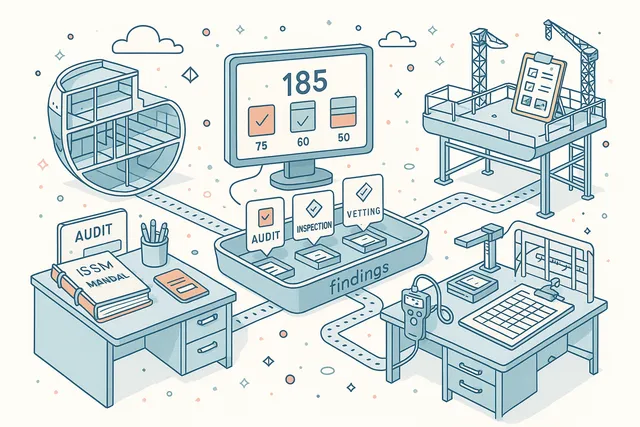
See every finding from every assessment in a single consolidated view. Audit findings, inspection findings, and vetting findings appear together in one list — each carrying its full context, source assessment reference, inspector identity, and regulatory linkage.
No more switching between audit reports, vetting records, and inspection summaries to build a complete picture. The unified view is your single source of truth for all outstanding observations across your fleet, regardless of where they originated.
Multi-Source Finding Collection
Findings flow into the unified view from three assessment sources — Audits (internal and external compliance assessments), Inspections (structured evaluations against regulatory standards), and Vettings (commercial inspections by charterers, terminals, and oil majors). Each source carries its own context and metadata.
The multi-source approach ensures nothing is missed. Whether a classification society auditor, a SIRE inspector, or your own chief officer identifies an observation, it appears in the same consolidated finding list with consistent formatting and classification.
- Audit findings (internal & external)
- Inspection findings
- Vetting findings
- Consistent format across sources
Seven Deficiency Conversion Types
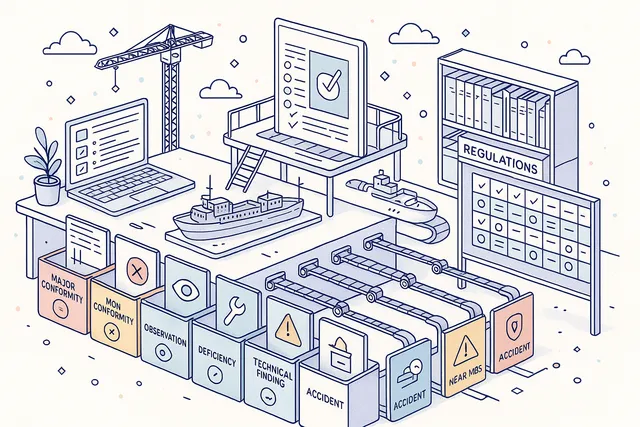
Convert findings into formal deficiency records with precise type classification. Seven deficiency types — Major Non-Conformity, Non-Conformity, Observation, Deficiency, Technical Finding, Near Miss, and Accident — map directly to maritime regulatory frameworks and your ISM classification hierarchy.
Each type carries its own response timeline, escalation rules, and corrective action requirements. A Major Non-Conformity demands immediate management review; an Observation may require only trend monitoring. The right type ensures the right process for every finding.
- Major Non-Conformity & NC types
- Observation & Deficiency tracking
- Technical Finding classification
- Near Miss & Accident linkage
One-Click Deficiency Conversion
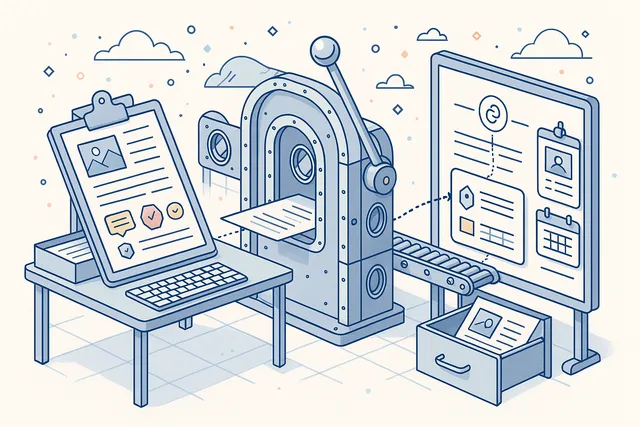
Transform findings into tracked deficiencies with a single action. The conversion process carries forward all evidence, regulatory references, severity data, and assessment context from the original finding, creating a formal deficiency record ready for corrective action assignment.
No duplicate data entry, no lost context. The link between finding and deficiency is maintained permanently, so you can trace any corrective action back to the specific observation that triggered it.
The converted finding moves to the archive with a clear reference to the resulting deficiency.
- Single-action conversion
- Full context carry-forward
- Permanent finding-deficiency link
- Archive with source reference
Priority & Severity Classification
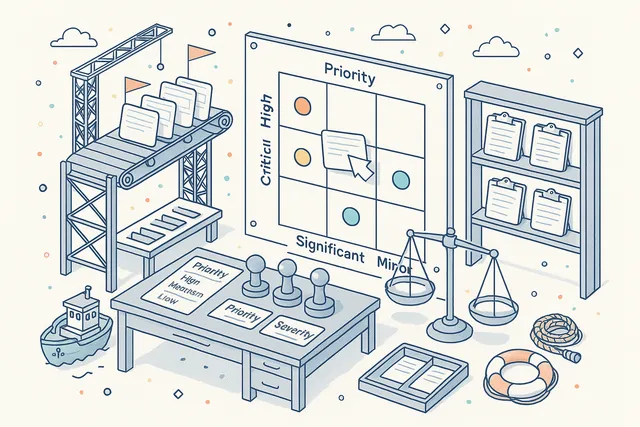
Every finding carries priority and severity ratings for structured follow-up. Priority determines urgency — how quickly must this be addressed?
Severity classifies impact — how serious is the underlying condition? Together, they drive the finding through the appropriate response workflow.
Consistent classification across your fleet enables meaningful comparison. Which vessels have the most high-severity findings?
Which assessment types generate the most critical observations? Classification data feeds directly into analytics for fleet-wide trend analysis.
- Urgency-based priority ratings
- Impact-based severity ratings
- Classification-driven follow-up
- Fleet benchmarking support
Regulatory Rule Linking
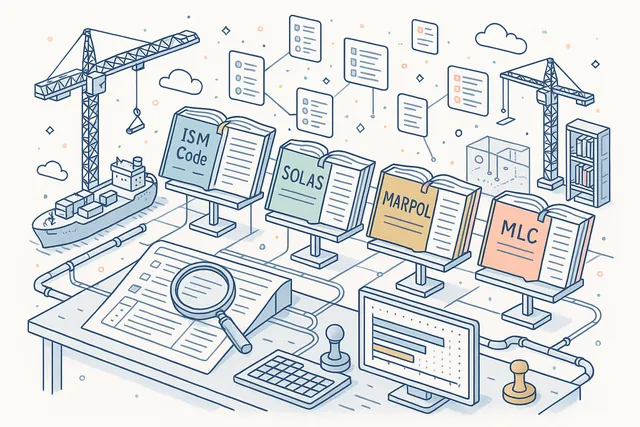
Connect findings to applicable regulatory standards — ISM Code, SOLAS, MARPOL, and MLC — with structured references to specific code sections, chapters, and regulations. Regulatory linking transforms isolated observations into compliance-relevant records.
When a finding references a specific SOLAS regulation, that link persists through conversion to deficiency and into the corrective action process. Fleet-wide regulatory analysis reveals which standards generate the most findings and where your compliance gaps exist.
- ISM Code clause references
- SOLAS & MARPOL linking
- MLC compliance tracking
- Regulatory gap analysis
Advanced Filtering & Search
Slice your finding data across five filter categories — source type (Audit, Inspection, Vetting), conversion status (open or converted), audit direction (for audit-sourced findings), date range, and the person who identified the observation. Combine filters to answer specific questions about your fleet's compliance posture.
Find all unconverted high-severity findings from third-party audits in the last quarter. Show all vetting findings for a specific vessel.
List findings by a particular inspector across all assessments. The filtering system turns raw observations into targeted intelligence.
- Filter by source type
- Conversion status filtering
- Date range & finder filters
- Audit direction filtering

Finding Archive & History
Converted findings move to a searchable archive that maintains the complete record — original observation, assessment context, inspector identity, regulatory references, and a permanent link to the resulting deficiency. The archive grows into your organization's institutional memory of compliance observations.
Search the archive by any criteria to understand historical patterns. How many findings from last year's SIRE vettings led to corrective actions?
What percentage of audit findings were classified as non-conformities? The archive provides the data for informed decision-making.
- Searchable converted finding archive
- Permanent source assessment links
- Historical pattern analysis
- Complete record preservation

File Attachments & Evidence
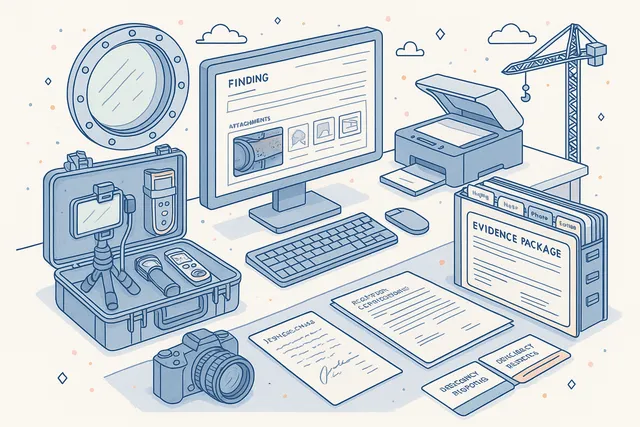
Attach photographs, inspection reports, regulatory correspondence, and supporting documents directly to finding records. Every file is stored with the finding it belongs to, creating a self-contained evidence package that travels with the record through conversion and corrective action.
Upload condition photographs, inspector notes, and reference documents. When a finding converts to a deficiency, its attachments carry forward automatically.
The file management system handles versioning — update, replace, or remove attachments with a complete change history.
- Photo & document attachments
- Attachments carry through conversion
- File versioning & history
- Self-contained evidence packages
Fleet-Wide Finding Intelligence
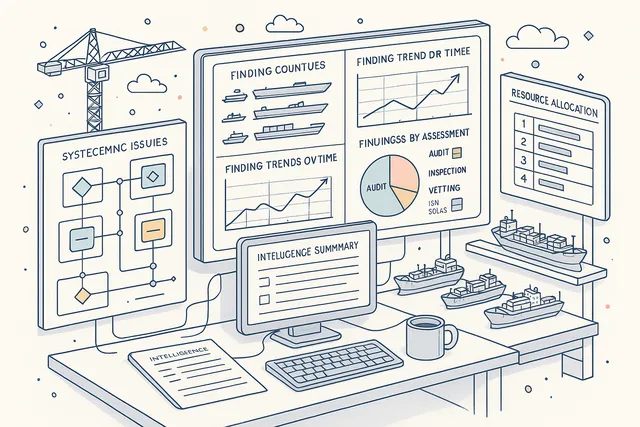
Aggregate finding trends across vessels, assessment types, and time periods to reveal the patterns that individual inspection reports cannot show. Which vessels have the highest finding rates?
Which regulatory standards generate the most observations? Are finding counts trending up or down across your fleet?
Fleet-wide intelligence transforms reactive finding management into proactive compliance strategy. Identify systemic issues before they trigger detentions, allocate audit resources where they will have the greatest impact, and demonstrate continuous improvement to charterers, flag states, and classification societies.
- Cross-vessel trend analysis
- Assessment type comparison
- Systemic issue identification
- Continuous improvement evidence
FAQ
Frequently Asked Questions
Common questions about Findings answered.
What types of findings does the module aggregate?+
The Findings module aggregates observations from three assessment sources: Audits (internal and external compliance assessments), Inspections (structured evaluations by classification societies, flag states, and port state authorities), and Vettings (commercial inspections by charterers, terminals, and oil majors). All findings appear in a single unified view.
How does finding-to-deficiency conversion work?+
Select one or more findings and convert them to any of seven deficiency types — Major Non-Conformity, Non-Conformity, Observation, Deficiency, Technical Finding, Near Miss, or Accident. All evidence, regulatory references, and severity data carry forward automatically.
The link between finding and deficiency is permanent and bidirectional.
Can I see findings from a specific audit or vetting?+
Yes. Use the source type filter to narrow the view to audit-only, inspection-only, or vetting-only findings.
Each finding retains a reference to its source assessment, so you can navigate directly to the original audit or vetting record for full context.
What happens to converted findings?+
Converted findings move to a searchable archive with a permanent link to the resulting deficiency. The archive maintains the complete record — original observation, assessment context, inspector identity, and regulatory references.
You can search and filter the archive by any criteria.
Does the module work offline on vessels?+
Yes. Vessels operate with a full local installation that provides access to findings, filtering, and management capabilities independently of office connectivity.
When satellite connectivity is available, changes synchronize automatically with the office system.
Related Modules
Plan and conduct internal and external audits with finding management and follow-up.
Collect structured evaluations and feedback for continuous improvement.
Ready to try Findings?
Start your free trial today and see how Findings fits into your fleet operations.
Free Trial
No credit card required
30+ Modules
Fully integrated platform
Cloud-Based
No installation needed