Benefits
Why Manuals?
Key advantages of Manuals as part of Navatom's integrated platform.
One Platform for Every Manual Type
Simple PDF uploads, structured multi-chapter company manuals, and third-party reference documents all live in a single system. No more scattered file shares, email attachments, or separate tools for different document types.
ISM-Compliant Document Control from Day One
Seven-stage approval workflows, version history with release notes, revision classification, and immutable audit trails deliver the document control discipline that ISM Code, classification societies, and port state inspectors expect — without manual record-keeping.
Real-Time Collaboration Without Third-Party Tools
Multiple authors edit the same section simultaneously with a built-in collaborative editor — no file downloads, no version conflicts, no external software licenses. Track changes, comments, and co-authoring are all native to the platform.
Ship Crews Always Read the Latest Version
Office-ship synchronization, ship-specific visibility controls, and crew assignment tracking ensure that every vessel has the current approved content and every crew member reads what they need to read. Completion dashboards confirm it.
Fleet-Wide Document Intelligence
Dashboard widgets aggregate completion rates, reading times, and approval queue depth across your entire fleet. Identify documentation gaps, measure crew engagement, and continuously improve your safety management system with data — not assumptions.
Scales from Single Vessel to Global Fleet
Server-side pagination, Elasticsearch indexing, secure multi-tenant architecture, and office-ship synchronization mean the system performs identically whether you manage one vessel or five hundred. Grow your fleet without outgrowing your document management platform.
Navatom Manuals is the controlled document management system built for maritime operations — covering ISM manuals, safety management system documentation, company policies, standard operating procedures, and third-party reference libraries in a single, cloud-synchronized platform. It replaces filing cabinets of ring-binders, scattered PDFs, and uncontrolled email attachments with a structured, version-controlled document hierarchy that ensures every crew member on every vessel reads the latest approved content.
Built around three manual types (Simple PDF, Comprehensive Company, and Third Party), a hierarchical chapter-section-subsection structure, and a seven-stage content lifecycle with formal approval workflows, the module delivers the document control discipline that ISM Code and classification societies demand. A built-in collaborative document editor lets multiple authors work on the same section simultaneously with real-time visibility of changes, track-changes markup, and five revision classification types — all without leaving the platform.
Ship-specific visibility controls ensure each vessel sees only the sections relevant to its type and trade area. Crew assignment and completion tracking confirm that every required person has read every required section.
Three dashboard widgets monitor completion rates, average reading time, and approval queue depth — transforming document management from a compliance checkbox into a measurable fleet intelligence tool. With office-ship synchronization, manuals remain available and editable whether your vessel is alongside or mid-ocean.
Capabilities
Key Features
How Manuals helps ship managers work faster and stay compliant.
Three Manual Types
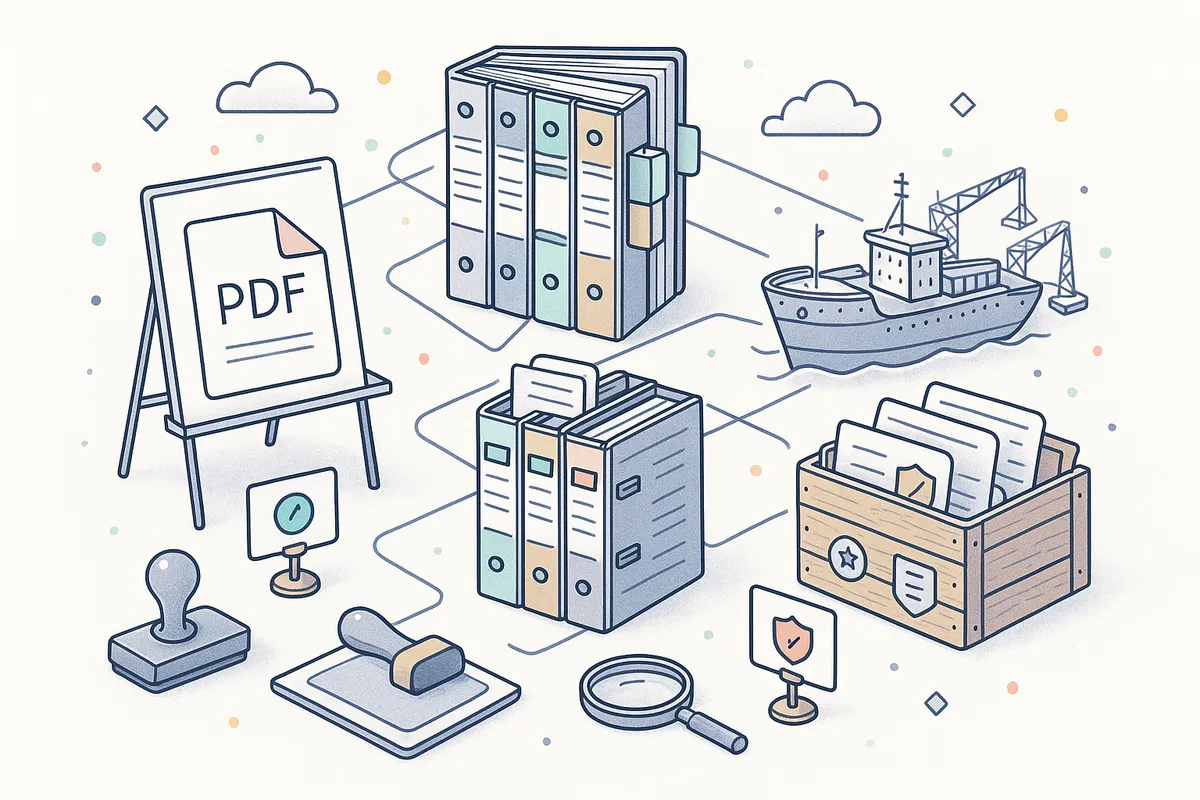
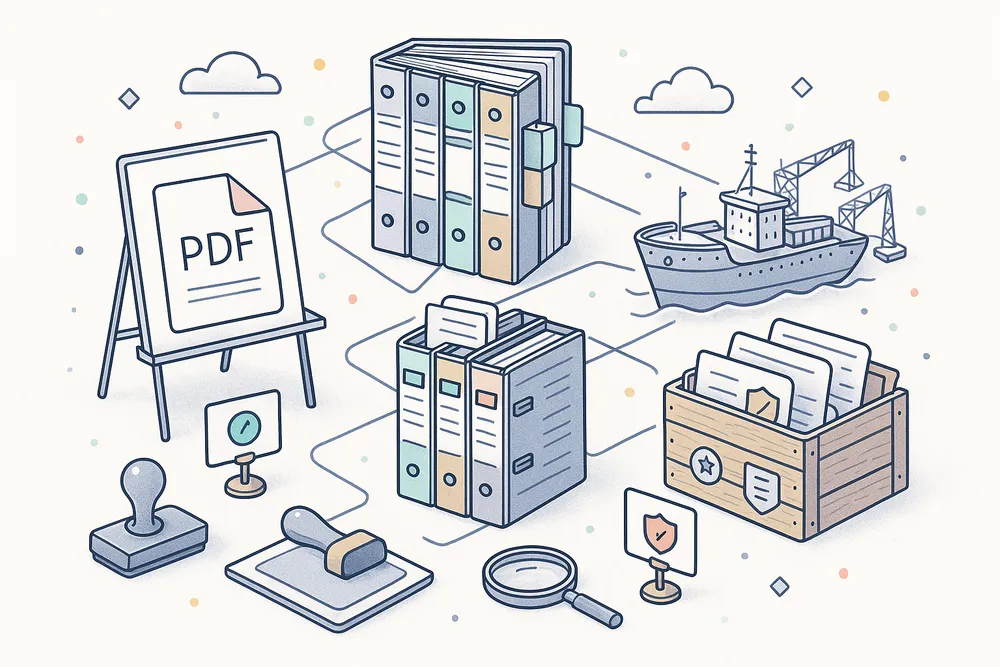
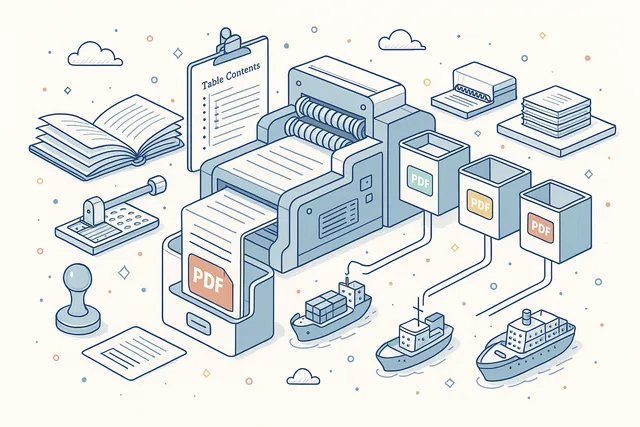
Not all documents have the same complexity. Navatom supports three distinct manual types — Simple (PDF) for single-file uploads like third-party reference documents, Comprehensive (Company) for structured multi-chapter manuals with section-level version control, and Third Party for external document libraries that need tracking without internal editing.
Simple manuals are uploaded as a single PDF and distributed as-is. Comprehensive manuals unlock the full hierarchical editor with chapters, sections, subsections, approval workflows, and collaborative editing.
Third Party manuals provide a controlled repository for vendor documentation, classification society guidelines, and regulatory publications.
Hierarchical Document Structure
Organize complex manuals with a four-level hierarchy — Manual, Chapter, Section, and Subsection. Each chapter contains ordered sections; each section can nest subsections.
Custom ordering labels let you follow your organization's numbering scheme (1.2.3.a) rather than forcing a flat structure.
Chapters and sections can be created, moved, and reordered without disrupting the version history of their content. The table of contents is generated automatically and updates in real time as sections are added, moved, or deprecated.
Print the full table of contents or any chapter's section list as a formatted PDF.
- Four-level hierarchy: Manual → Chapter → Section → Subsection
- Custom ordering labels to match your numbering scheme (1.2.3.a)
- Auto-generated table of contents updates in real time
- Move and reorder sections without losing version history
- Print table of contents or revision lists as formatted PDFs

Built-in Collaborative Document Editor
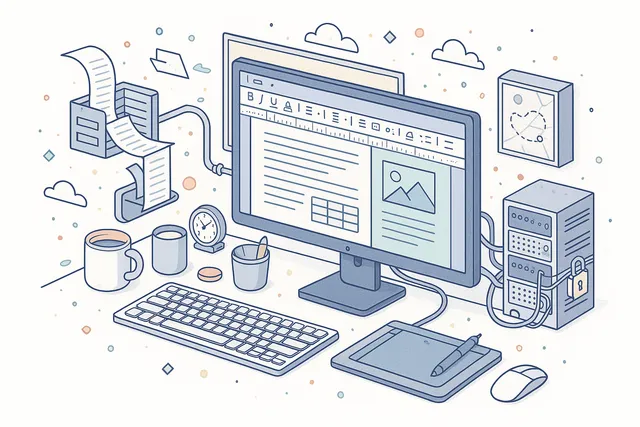
Edit manual sections directly in the browser with a full-featured document editor — no desktop software required. The editor supports rich formatting, tables, images, headers, lists, and page layout controls with the same fidelity as desktop word processors. Documents are saved automatically and continuously.
Every editing session is secured with JWT token authentication and managed through a callback system that handles document persistence, force-save operations, and conflict resolution. The editor runs entirely within the platform — no external services, no file downloads, no version confusion.
- Full rich-text editing: tables, images, headers, lists, page layout
- Browser-based — no desktop software or plugins required
- JWT-secured editing sessions with automatic save
- Force-save and crash recovery for uninterrupted editing
- Callback-based persistence for reliable document state management
Real-Time Co-Authoring
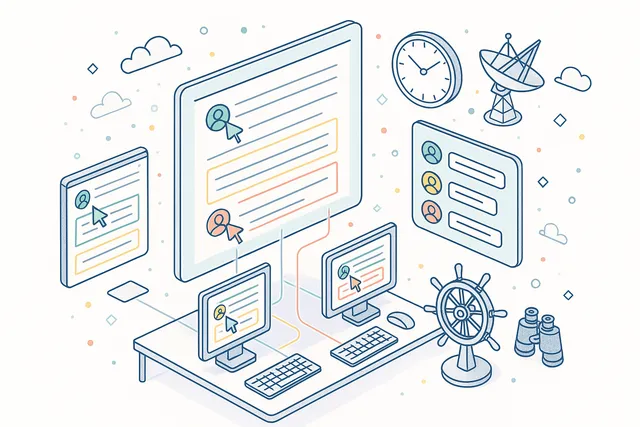
Multiple authors can work on the same section simultaneously with real-time visibility of each other's changes. Two collaboration modes adapt to different working styles: Fast Mode shows every keystroke from co-authors in real time, while Strict Mode locks the paragraph each author is editing to prevent conflicts on critical documents.
Each collaborator's cursor and selections are visible in the editor with user attribution. An in-editor comment thread lets co-authors discuss changes without switching contexts.
The system tracks who wrote what, when — every modification is attributed to a specific user for full accountability.
- Fast Mode — see every keystroke from co-authors in real time
- Strict Mode — paragraph locking prevents conflicts on critical documents
- Live cursor and selection visibility with user attribution
- In-editor comment threads for contextual discussion
- Every modification attributed to a specific user with timestamp
Seven-Stage Content Lifecycle
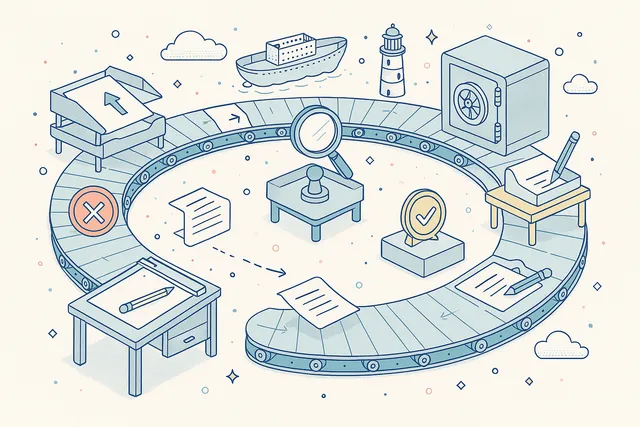
Every section version follows a controlled lifecycle through seven stages — Draft, Waiting for Approval, Completed, Rejected, Released, Revised, and Deprecated. Only Released content is visible to crews on vessels.
The lifecycle enforces that every change goes through review before reaching ship personnel.
Draft versions can be edited freely by authors. When ready, the draft is sent for approval, moving to Waiting for Approval status.
Reviewers can approve (Completed → Released) or reject (back to Draft with feedback). Released content can be revised, creating a new draft while the current version remains active. Deprecated versions are archived but never deleted.
- Draft → Waiting for Approval → Completed → Released
- Rejected content returns to Draft with reviewer feedback
- Released content can be Revised (new draft, current version stays active)
- Deprecated versions archived permanently, never deleted
- Only Released content visible to ship crews
Track Changes & Revision Classification
Every modification to a section is tracked and classified into one of five revision types — Insertion (new content added), Deletion (content removed), Format Change (formatting modified), Style Definition Change (styles updated), and Moving (content relocated). This classification provides auditors and DPAs with a precise record of what changed between versions.
Track changes markup highlights insertions, deletions, and modifications with user attribution and timestamps. Accept or reject individual changes during the review process.
The revision classification drives compliance reporting — showing classification societies exactly what changed in each version and why.
- Five revision types: Insertion, Deletion, Format Change, Style Change, Moving
- Track-changes markup with user attribution and timestamps
- Accept or reject individual changes during review
- Revision classification drives compliance reporting
- Classification societies see exactly what changed between versions

Version History & Release Notes
Every section maintains a complete version history with numbered versions, release timestamps, author attribution, and release notes. Browse any previous version, compare changes between versions, and understand the evolution of every document in your safety management system.
Release notes document the rationale behind each revision — not just what changed, but why. Version numbers increment automatically on each release.
The full history chain from first draft to current release is preserved permanently, providing the documentary evidence that ISM auditors require.
- Complete version chain from first draft to current release
- Numbered versions with auto-increment on each release
- Release notes document the rationale behind each revision
- Browse and compare any two versions side by side
- Permanent audit trail for ISM compliance verification

Multi-Stage Draft Approval Workflow
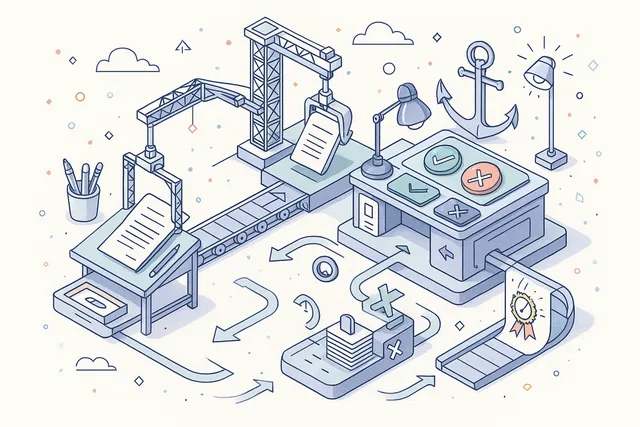
Section drafts move through a structured approval pipeline: authors create and edit drafts, then submit for approval. Designated reviewers evaluate the content and either approve it for release or reject it with feedback.
Approved content is released to the fleet; rejected content returns to the author for revision.
The workflow enforces separation of duties — authors cannot self-approve. Approval and rejection actions record the reviewer's identity, timestamp, and comments.
The approval queue dashboard widget shows reviewers how many sections await their attention, preventing bottlenecks in the publication pipeline.
- Authors create drafts and submit for approval
- Reviewers approve or reject with recorded comments
- Separation of duties enforced — authors cannot self-approve
- Approval queue dashboard widget prevents bottlenecks
- Full audit trail of every approval and rejection decision
Ship-Specific Visibility Control
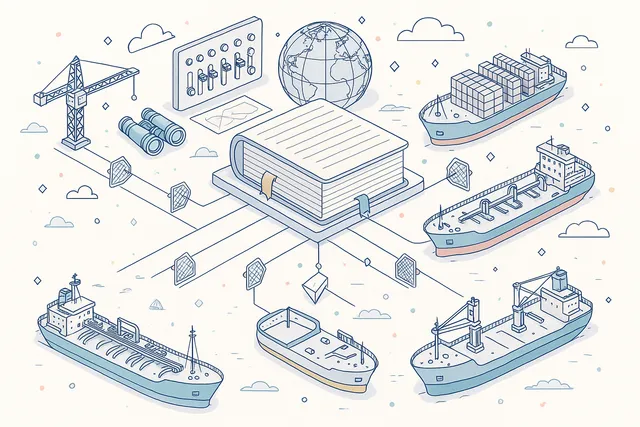
Control which manual sections are visible to each vessel in your fleet. Visibility can be set at the manual level (which ships can access the manual) and at the section level (which ships see specific sections within a manual). This ensures tanker-specific procedures don't appear on bulk carriers, and vice versa.
When a manual is published, the system generates ship-specific views that include only the sections each vessel is authorized to see. Visibility changes take effect immediately through the synchronization pipeline without requiring a full manual republish.
- Manual-level visibility: which ships can access the entire manual
- Section-level visibility: which ships see specific sections
- Tanker procedures appear only on tankers, bulk on bulk carriers
- Visibility changes propagate immediately via synchronization
- One-PDF export generates ship-specific consolidated documents
Crew Assignment & Completion Tracking
Assign manual sections to specific crew members or ranks and track who has read what. The assignment system records which personnel are required to read each section, and the completion tracker confirms when they have done so — with timestamps and acknowledgement records.
Dashboard metrics aggregate completion rates across the fleet, identifying vessels or sections with low read-through rates. Shore management can see at a glance which crews are up to date on critical procedures and which need follow-up.
Average reading time analytics help identify sections that may be too long or unclear.
- Assign sections to specific crew members or ranks
- Completion tracking with timestamps and acknowledgement records
- Fleet-wide completion rate aggregation on dashboards
- Average reading time analytics per section
- Identify vessels and sections with low read-through rates

Section-Level Comments & Annotations
Add threaded comments to any section for collaborative review and feedback. Comments support replies, edits, and deletion — creating a structured discussion thread attached to the specific content being discussed. Comment threads persist across draft versions for continuity.
Use comments during the approval process to provide specific feedback on content, request clarifications, or document review decisions. Comment history is preserved as part of the section's audit trail, providing evidence of the review process for compliance auditors.
- Threaded comments attached to specific sections
- Support for replies, edits, and deletion
- Comment history preserved across draft versions
- Used during approval process for structured feedback
- Comment activity recorded in the audit trail

Internal Cross-References
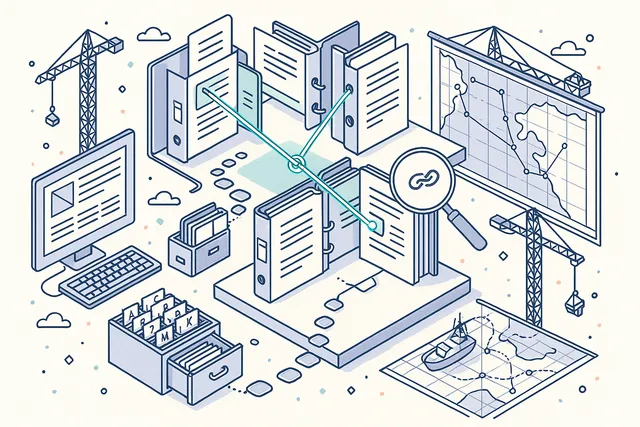
Link related sections across different manuals and chapters with formal internal references. When section A references section B, the system maintains that link through version changes, section moves, and manual reorganizations. Cross-references create a navigable web of interconnected documentation.
Cross-references are particularly valuable for ISM manual structures where safety procedures reference operational manuals, emergency plans reference crew training documents, and maintenance procedures reference equipment specifications. Broken references are detected automatically when sections are deprecated or removed.
- Formal links between sections across manuals and chapters
- References maintained through version changes and section moves
- Broken references detected when sections are deprecated
- Navigate between related procedures and specifications
- Essential for ISM manual structures with regulatory cross-links
PDF Export & One-PDF Consolidation
Export any manual as a formatted PDF document with a single click. The export includes the table of contents, chapter structure, and all section content — formatted for printing, archival, or submission to classification societies and regulatory authorities.
The One-PDF feature consolidates an entire manual into a single PDF per ship, including only the sections visible to that specific vessel. This ship-specific PDF can be stored onboard for offline reference, printed for bridge use, or submitted during port state control inspections.
- Export any manual as a formatted PDF with table of contents
- One-PDF consolidation per ship with visibility-filtered content
- Ship-specific PDFs for offline bridge reference
- Formatted for submission to classification societies
- Print revision lists for controlled document registers
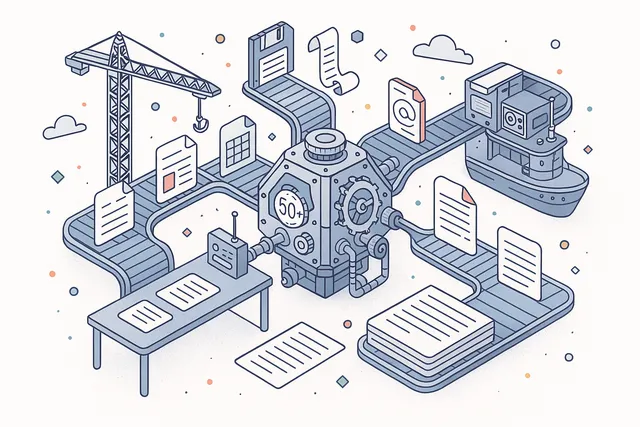
50+ File Format Support
Work with documents in over fifty file formats — including DOCX, XLSX, PPTX, ODT, CSV, TXT, and PDF. The built-in conversion engine transforms documents between formats automatically, so your team can upload content in any format and the system handles the rest.
Format conversion happens server-side with full fidelity — tables, images, headers, and formatting are preserved across conversions. Upload a Word document, edit it in the browser, and export as PDF without ever installing desktop software.
- Native editing: DOCX, XLSX, PPTX, ODT
- Additional formats: CSV, TXT, PDF, and 40+ more
- Server-side conversion preserves formatting and layout
- Upload in any format, edit in browser, export as PDF
- No desktop software installation required
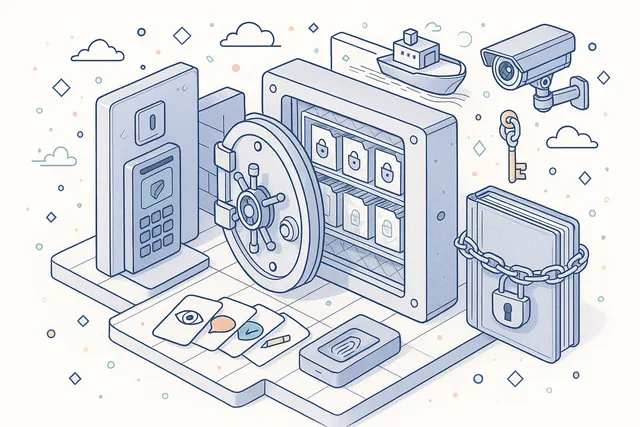
Document Security & Permissions
Control document access with granular permission levels — view-only, comment-only, review, edit, and full creator permissions. Restrict copying, downloading, and printing of sensitive documents. Digital watermarking tracks document origin and prevents unauthorized distribution.
All document editing sessions are secured with JWT authentication and encrypted data transfer. Permission settings are enforced both in the editor and at the API level, ensuring that access controls cannot be bypassed. AES-256 encryption protects sensitive operational documents in storage.
- Five permission levels: view, comment, review, edit, creator
- Restrict copying, downloading, and printing per document
- Digital watermarking for document origin tracking
- JWT-authenticated editing sessions with encrypted transfer
- AES-256 encryption for sensitive documents in storage
Full-Text Search
Search across all manuals, chapters, and sections with instant full-text search powered by a dedicated search index. Find specific procedures, policy references, or regulatory citations across your entire document library in seconds — regardless of how many manuals and sections your organization maintains.
Search results are ranked by relevance and filtered by manual type, status, and ship assignment. The search index updates in real time as sections are created, modified, or released, ensuring that search results always reflect the latest approved content.
- Instant search across all manuals, chapters, and sections
- Elasticsearch-powered with real-time index updates
- Results ranked by relevance, filterable by type and status
- Customer-scoped indexes ensure complete data isolation
- Search reflects latest approved content immediately on release

Dashboard & Analytics
Monitor your document management program with three dedicated dashboard widgets — Section Completion Rate tracks what percentage of assigned sections have been read by crews, Average Reading Time measures engagement with each section, and Approval Queue Depth shows how many sections are waiting for reviewer attention.
Dashboard metrics aggregate across your entire fleet, with drill-down capability to individual vessels, manuals, and sections. Identify which manuals have the lowest completion rates, which sections take the longest to read, and where approval bottlenecks are slowing publication. Use the data to continuously improve your documentation program.
- Section Completion Rate — percentage of assigned sections read
- Average Reading Time — engagement metrics per section
- Approval Queue Depth — sections waiting for reviewer attention
- Fleet-wide aggregation with drill-down to individual vessels
- Data-driven improvement of your documentation program

Audit & Compliance Integration
Link manual sections directly to audit checklist items in the Navatom Audit module. When auditors assess compliance with specific ISM Code requirements, they can reference the exact manual section that documents the relevant procedure — creating a direct, traceable link between your safety management system documentation and your audit program.
This integration eliminates the manual cross-referencing that wastes hours during audits. Auditors see which manual sections support each checklist item, and DPAs can verify that every regulatory requirement is covered by approved, current documentation.
Changes to linked manual sections automatically flag the associated checklist items for review.
- Link manual sections to audit checklist items
- Auditors reference exact sections during ISM assessments
- Changes to linked sections flag associated checklist items
- Direct traceability from regulatory requirement to documentation
- Eliminates manual cross-referencing during audit preparation

FAQ
Frequently Asked Questions
Common questions about Manuals answered.
What types of manuals does the module support?+
Navatom Manuals supports three types: Simple (single PDF upload for quick distribution), Comprehensive (structured multi-chapter company manuals with section-level version control, approval workflows, and collaborative editing), and Third Party (a controlled repository for external documents like vendor manuals, classification society guidelines, and regulatory publications). Each type has its own workflow and management interface.
How does collaborative editing work?+
The built-in document editor supports real-time multi-user editing directly in the browser. Two collaboration modes are available: Fast Mode shows every keystroke from co-authors in real time, while Strict Mode locks the paragraph each author is editing to prevent conflicts on critical documents.
All changes are attributed to specific users with timestamps, and track-changes markup classifies every modification as an insertion, deletion, format change, style change, or content move.
Can different ships see different manual sections?+
Yes. Visibility can be controlled at both the manual level (which ships can access the entire manual) and the section level (which ships see specific sections within a manual).
This is essential for fleet operators with mixed vessel types — tanker-specific procedures appear only on tankers, bulk carrier procedures on bulk carriers, and common safety procedures on all vessels. The One-PDF export generates a ship-specific consolidated document that includes only the sections visible to that vessel.
How does the approval workflow work?+
Section content follows a seven-stage lifecycle: authors create drafts, then submit for approval (Waiting for Approval). Designated reviewers evaluate the content and either approve it (Completed → Released) or reject it with feedback (back to Draft).
Only Released content is visible to ship crews. Released content can be revised, creating a new draft while the current version stays active.
Deprecated versions are archived permanently. The workflow enforces separation of duties — authors cannot self-approve.
What file formats are supported?+
The editor supports over fifty file formats including DOCX, XLSX, PPTX, ODT, CSV, TXT, and PDF. Documents can be uploaded in any supported format and converted automatically for editing in the browser.
Export to PDF is available for any manual or section. The conversion engine preserves formatting, tables, images, and layout across format changes.
Does the module work offline on vessels?+
Yes. Vessels maintain a full local deployment with all assigned manuals available offline.
Crews can read assigned sections, track their completion, and work with the latest synchronized content regardless of connectivity. When satellite connectivity is available, changes synchronize automatically between office and vessel with conflict resolution.
How does the module integrate with audits?+
Manual sections can be linked directly to audit checklist items in the Navatom Audit module. During audits, assessors can reference the exact manual section that documents compliance with a specific ISM Code requirement.
This creates a traceable link between your documentation and your audit program — eliminating manual cross-referencing and ensuring that every regulatory requirement is covered by approved, current documentation.
Related Modules
Distribute company circulars and notices with read-receipt tracking and acknowledgements.
Design and deploy custom digital forms for inspections, checklists, and reporting.
Ready to try Manuals?
Start your free trial today and see how Manuals fits into your fleet operations.
Free Trial
No credit card required
30+ Modules
Fully integrated platform
Cloud-Based
No installation needed