



 →
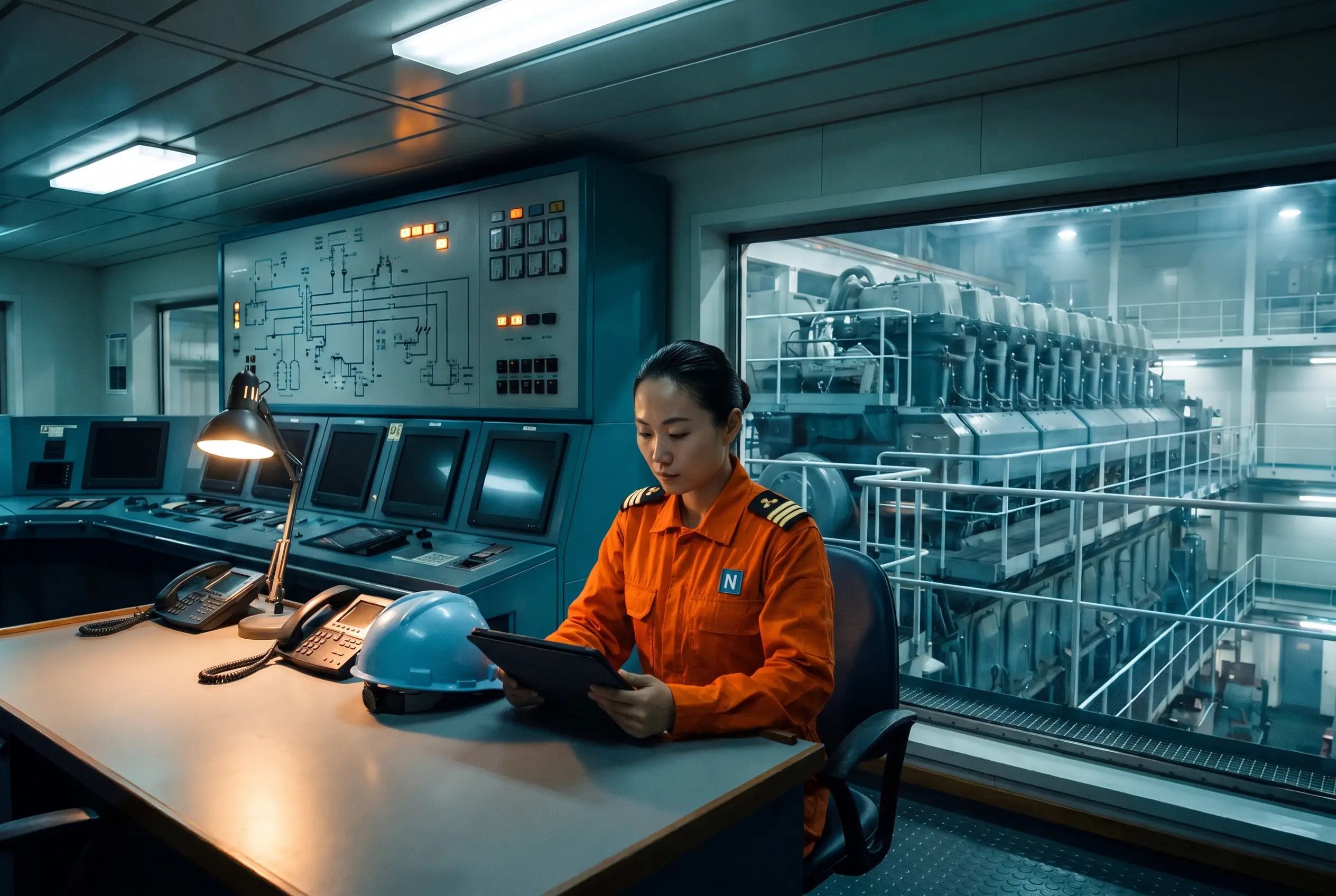
Status that speaks ship
On watch, off watch, in the engine room, in port, cargo operations or limited connectivity, and the status clears itself when you choose.
Chat and Calls · Ship-shore messaging and video
Direct messages, groups and fleet channels between the office and every vessel, with audio and video calls one click away, inside the Navatom your teams already work in.
Fleet-wide
Channels by vessel and rank
The whole fleet, chosen ships or a vessel type; every rank or the ones you pick.
Automatic
Members follow crew changes
Sign-on and sign-off update every channel.
Audio + video
Calls from any conversation
With screen sharing and noise cancellation.
Ship + office
The same chat on board
In the office and ship apps and the Navatom mobile app.
How channels work
In every conversation
On watch, off watch, in the engine room, in port, cargo operations or limited connectivity, and the status clears itself when you choose.
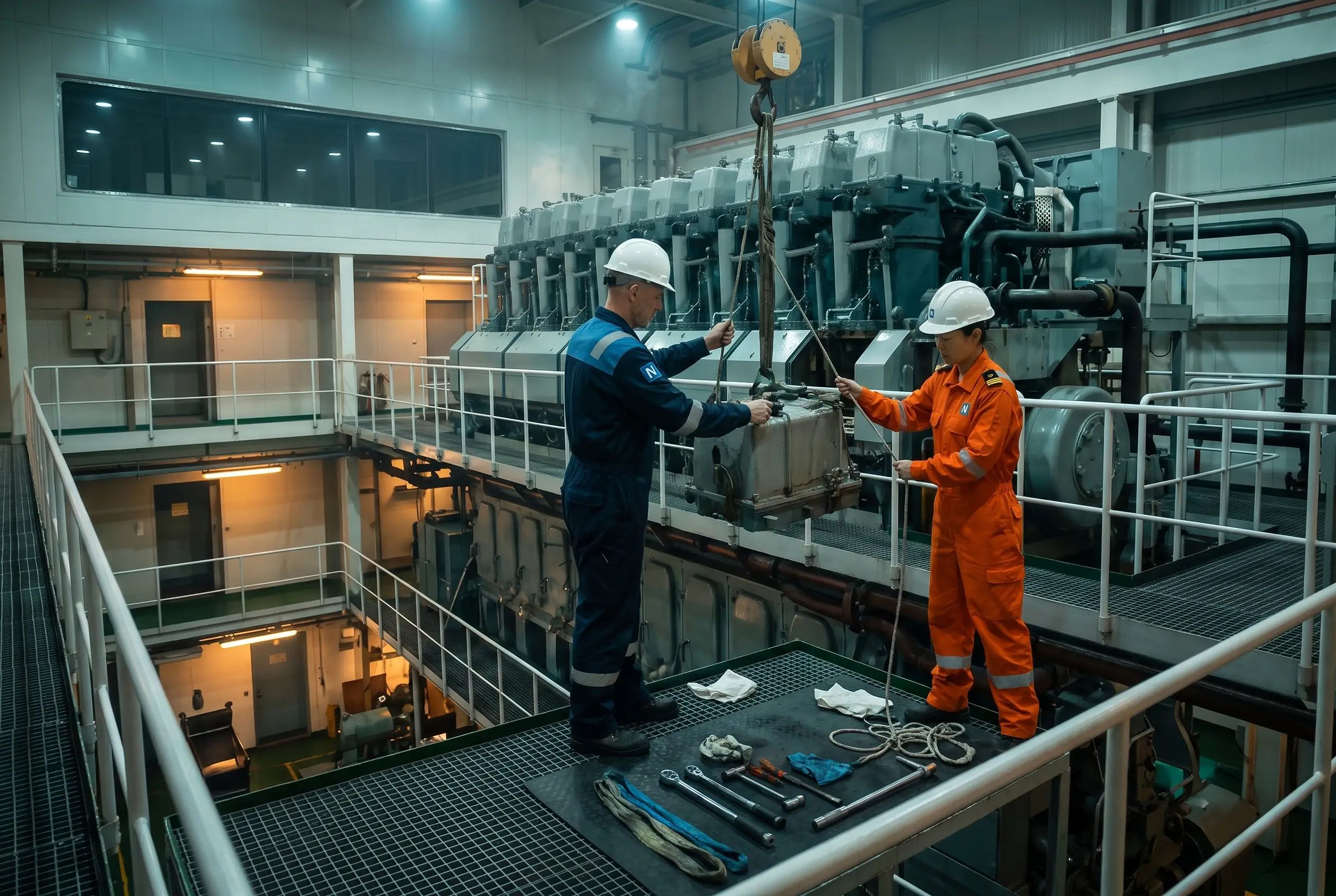
Record a voice or video clip at the job and send it straight into the conversation with the office.
Calls at sea
Choose the view, stop incoming video when the link is thin, keep engine-room noise out and share your screen.
Start a call from any conversation and invite anyone else in it with one press. A missed call waits in the chat with a Call back button.
The call floats over Navatom while you open the job you are discussing, or pops out into its own window.
Schedule a message in the ship’s time zone up to 120 days ahead, and change or cancel it before it goes.
FAQ
Yes. Crew and office staff are both chat users, so a chief engineer on board and a superintendent ashore message and call each other directly, in groups or in fleet channels, from the ship and office apps and the Navatom mobile app.
Whoever its scope names. A channel covers the whole fleet, chosen ships or a vessel type, and either everyone or only the ranks you pick, such as every chief engineer in the fleet.
They update themselves. When a seafarer signs off, they leave the channels their rank and vessel put them in, and their relief joins those channels on signing on. Nobody edits a member list.
Calls are built to spend little of the link: only the people you are watching come in at full size, anyone can stop incoming video and stay on audio, and noise cancellation keeps engine-room noise out of the call.
Yes. Pick a time and a time zone, such as tomorrow at 09:00 in the ship’s zone, up to 120 days ahead. You can change or cancel the message until it is sent.
Yes. Channels, threads, unreads, saved messages, drafts, search and the people directory are in the Navatom mobile app, and a reply typed into a notification is kept and sent when the phone is back online.
Start a free trial, or talk to us about bringing your vessels and office onto Navatom chat and calls.