
Logbooks keep going
Entries, tasks, comments and attachments are written offline and sent in order. Only signing a day waits for the link.
Continuum · Ship-shore data synchronization
Navatom works in real time. Continuum is the guarantee behind it: each vessel keeps its reports, logbook, manuals and circulars on board, the crew keeps reporting, logging and reading when the connection drops, and every change reaches the office, in order, when the link returns.
3 years
Reports and logbooks on board
The 36 months a Paris MoU risk profile looks back over.
All
Manuals and released circulars
Manual files up to 100 MB; circular PDFs for 2 years from release.
30 MB
Report files that travel to the ship
Photos and PDFs arrive with their report.
3
Apps on one sync
Ship web app, office web app and the Navatom mobile app.
How Continuum works
On board
Entries, tasks, comments and attachments are written offline and sent in order. Only signing a day waits for the link.
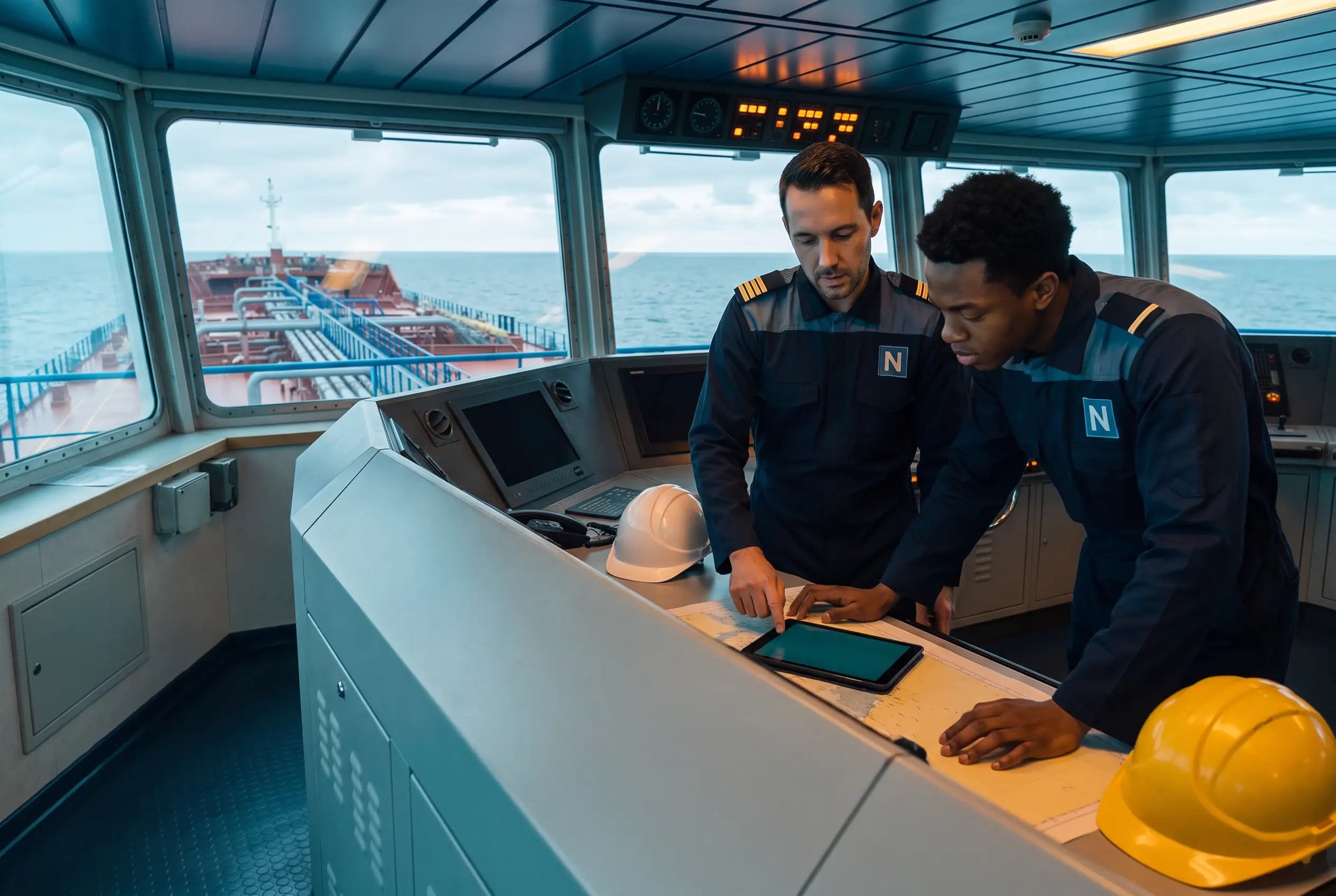
Every manual a vessel can see stays on board with its files, and every released circular with its PDF for two years from release, so an instruction opens mid-ocean.
No silent overwrites
The change waits, and the person who made it decides.
The copy belongs to the vessel, so a shared tablet downloads once. Each change is sent under its author’s name only.
A damaged copy is found, set aside and downloaded fresh, and the changes waiting to send are kept.
One button shows the state on every app, and its screen lists each pending change and what the device holds.
FAQ
Yes, for the work crews do most. With Continuum, each vessel keeps its reports, logbook, manuals and circulars on board, so the crew keeps reporting deficiencies, near misses, accidents and other findings, writing the logbook, and reading manuals and circulars without a connection. Continuum sends the changes made offline in order when the link returns. A few steps wait for the connection, such as signing a logbook day and choosing root causes from the systems Navatom provides.
Continuum saves the change on the device and queues it in the order it was made, marked Saved on this device · Waiting to send. When the connection returns, Continuum sends the queue to Navatom and the record shows Saved to cloud.
Every queued change carries the value its author was looking at. If the office changed that field in the meantime, Continuum holds the change and shows its author both values, and the author keeps the server version or applies their change anyway.
A vessel keeps 3 years of its deficiency, non-conformity, accident, near miss and technical finding reports, the period a Paris MoU ship risk profile looks back over, with photos and PDFs up to 30 MB each. It keeps 3 years of logbook entries, every manual it can see with files up to 100 MB, and every released circular with its PDFs for 2 years from release.
Creating, editing, completing and deleting logbook entries, starting and ending tasks, and adding comments and attachments all work offline and are sent in order when the connection returns. Signing and unsigning a logbook day need the connection, and tank soundings and instrument readings still need it for now.
Yes. Continuum keeps one copy of the records per vessel, so a shared tablet never downloads twice. Each queued change keeps the name of the person who made it and is sent under that name only; until its author signs in again, it shows Waiting for its author.
Continuum detects damage in the copy stored on the device, sets the damaged part aside and downloads a fresh copy when the link returns. Changes still waiting to be sent are kept through the repair.
Start a free trial, or talk to us about the links your fleet runs on and how Continuum fits them.
 MT BANE OF ISILDUR


 Kevin Calloway